 ShotPress
Features
ShotPress does one job well: it turns big photos into share-ready ones, on your phone, without sending them anywhere. Here is everything in it.
Batch compression
Select a whole shoot — from your gallery, the Files picker or a folder — and compress it in one pass. A determinate progress bar shows how many are done and how long is left; keep ShotPress open while the batch runs. You can cancel, and retry any file that failed. In one emulator test, 10 photos went from 223 MB to 4.3 MB.
Share presets
A preset sets size, format and quality together, so you pick a destination rather than fiddling with sliders:
- WhatsApp — long edge 1600 px, JPEG, quick to send.
- Instagram post — 1080 px wide, aimed at 1.6 MB or under.
- Instagram story — 1080 × 1920, full screen.
- Email — 2048 px, aimed at 1 MB or under per photo.
- Web — 2560 px, WebP.
- Full size — every pixel, JPEG.
- Custom (Pro) — your own long edge, quality, format and rename pattern.
Target a file size (Pro)
Set a cap — say “2 MB” — and ShotPress searches for the quality that lands under it, so an email or an upload limit is met without guesswork. You see the estimated output before you commit.
Formats in and out
ShotPress opens camera RAW (DNG, CR2, CR3, NEF, ARW, RAF, ORF, RW2, PEF, SRW and more), HEIC and HEIF from phones, and JPG, PNG, WebP, TIFF, BMP and AVIF. It writes JPEG, WebP, PNG, and HEIC where the platform can encode it. On Android, HEIC and HEIF need Android 9 or later, and AVIF needs Android 12 or later.
RAW opens through the camera's own full-size embedded preview first, then the platform decoder. On Android, some Sony, Olympus and Panasonic RAWs open at their embedded preview size rather than full resolution; on iPhone and iPad these render at full size. ShotPress shows the output dimensions before you start, so there is no surprise.
Before/after compare
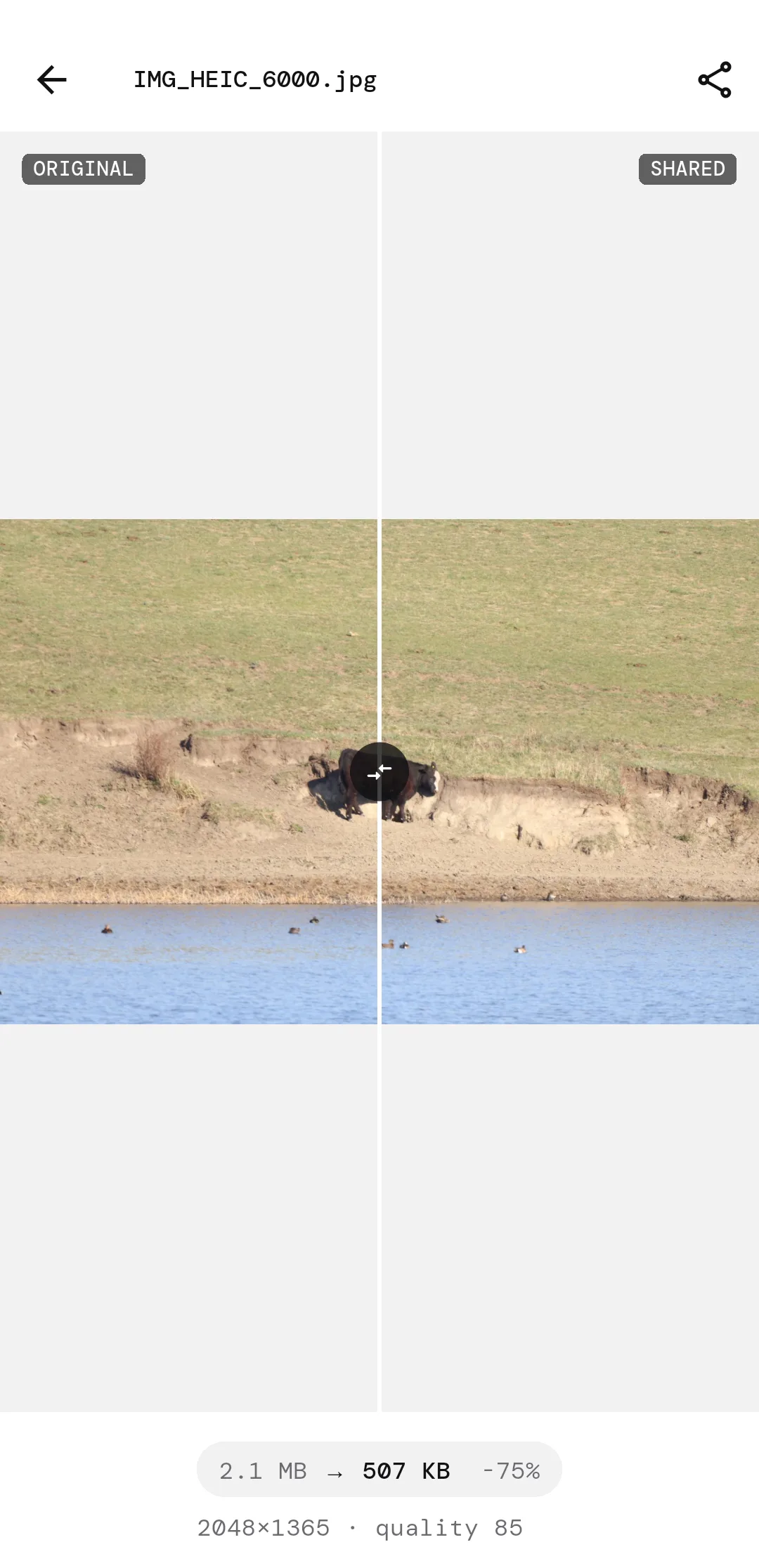
Open any result and drag a split slider between the original and the shared copy, with the exact sizes and dimensions shown. At share sizes the picture holds; the file is what drops.
Metadata control
Location is removed from shared copies by default. You can keep all metadata, remove only location, or strip everything, per batch. Capture dates are preserved so your photos stay in order.
Originals stay safe
Results are new files, saved to their own album (Pictures › ShotPress on Android, your Photos library on iOS) or a folder you choose. ShotPress never overwrites what you shot, and never deletes it unless you choose Free up space — then the originals you pick go to the system trash, after the system asks you to confirm. Output names follow a pattern you set, so nothing clashes.
History
Your recent jobs stay in a short history with thumbnails, so you can find a batch again and re-share it.
On-device privacy
Everything happens on your phone. ShotPress makes no network call to compress or convert, so it works with no connection. There is no account and no cloud. See the privacy policy for the detail.
Free and Pro
Free covers up to 5 photos a day, every preset, and no ads. Pro removes the daily limit and adds Custom settings, target file size, WebP, PNG and HEIC output, and rename patterns. Pro is a one-time Lifetime unlock at $14.99 (best value), or $9.99 yearly or $2.99 weekly, through your app store.