 ShotPress
Convert CR3, NEF and ARW to JPG on Android
Published · Updated · Meru Apps
To convert Canon CR3, Nikon NEF or Sony ARW to JPG on Android, open ShotPress, add the RAW files from your gallery or a folder, pick a preset — most write JPEG, the Web preset writes WebP — and tap compress. It reads the camera's full-size preview, writes a JPG you can open anywhere, and keeps your original RAW files.
Convert RAW to JPG on Android, step by step
- Open ShotPress and tap Select photos, or Folder to bring in a whole card's worth at once.
- Select your CR3, NEF or ARW files. The grid badges each one so you can see what's RAW.
- Pick a preset. Full size keeps every pixel as a JPEG; Email or WhatsApp make smaller JPGs for sharing.
- Tap Compress. Each file is converted on your phone, with a progress bar; keep ShotPress open while the batch runs.
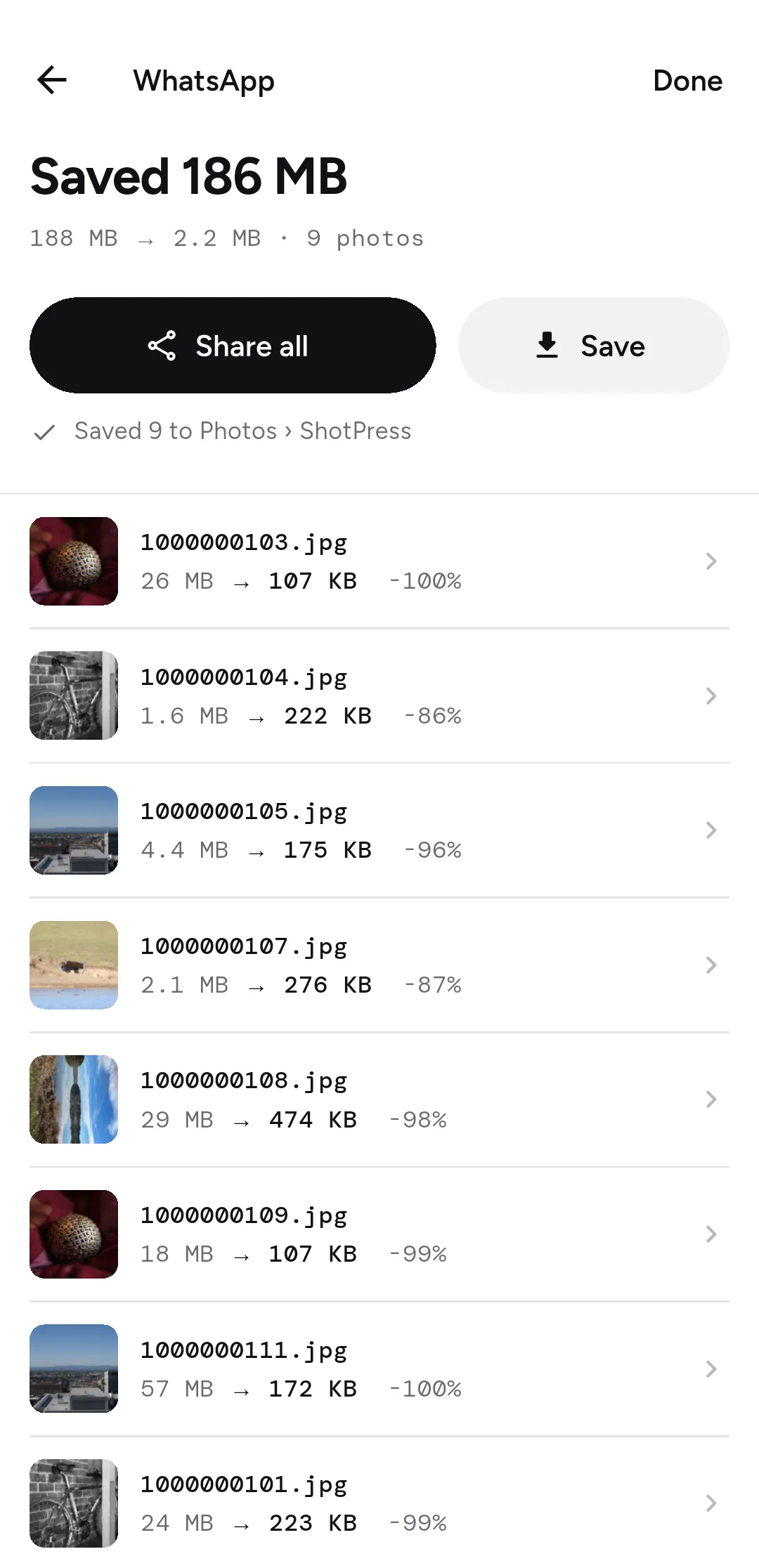
- Tap Share all, or Save to put the JPGs in the ShotPress album.
Which RAW files work best on Android?
On Android, Canon CR3, Nikon NEF and most RAWs convert through the full-size JPEG preview the camera writes inside the file, and DNG also decodes natively. Some Sony ARW, Olympus ORF and Panasonic RW2 files open at the embedded preview size rather than full resolution. ShotPress shows the output dimensions before you start, so you always know what you'll get.
Can you convert a whole folder at once?
Yes. Use Folder to pick a folder of RAW files and ShotPress converts the lot in one pass, with a real progress bar. On the free tier you can convert up to five photos a day; Pro removes that limit.
Does the JPG keep its date and location?
Capture dates are preserved, so your photos stay in order. Location is removed from the JPG by default; per batch you can keep all metadata or strip everything. You choose — nothing is decided for you silently.
What it doesn't do
ShotPress converts and compresses RAW; it doesn't develop or edit it (no exposure or colour grading). Because some Sony, Olympus and Panasonic RAWs expose only a preview-size image to Android apps, those convert at the preview size, not full resolution — iPhone and iPad render them at full size. An iOS version is on the way.
Try it
ShotPress is coming to Google Play. See all the features, or read the guides below.