 ShotPress
How to convert HEIC to JPG on Android
Published · Updated · Meru Apps
To convert HEIC to JPG on Android, open ShotPress, add the HEIC photos from your gallery or a folder, choose a preset — most write JPEG, the Web preset writes WebP — and tap compress. It converts each one on your phone, works with no connection, and keeps the HEIC originals so nothing is lost.
Convert HEIC to JPG, step by step
- Open ShotPress and tap Select photos, or import a whole folder with Folder.
- Select the HEIC photos. Each tile shows a HEIC badge.
- Pick a preset — Full size for a JPG at the same resolution, or Email or WhatsApp for a smaller one.
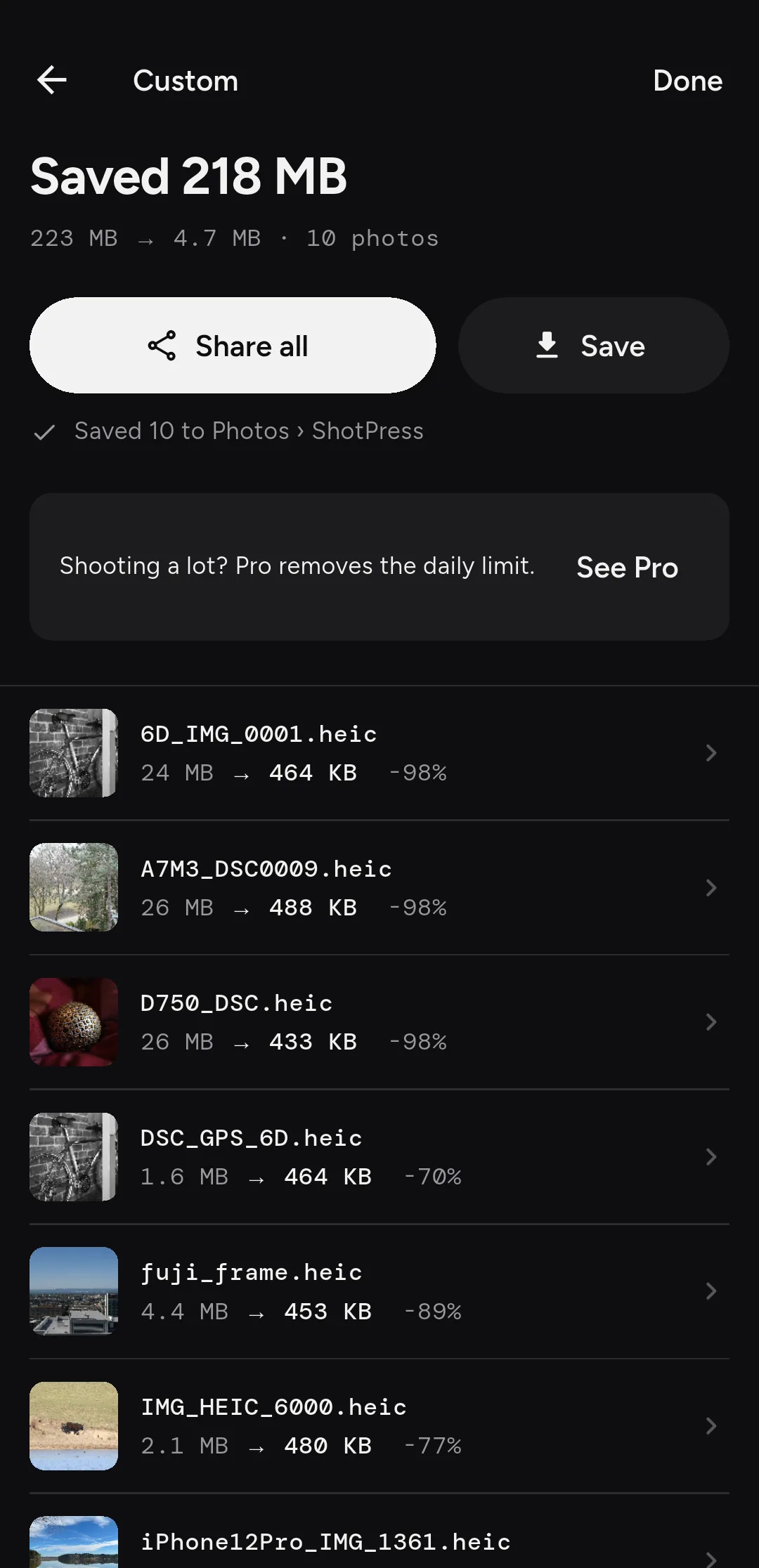
- Tap Compress, then Share all or Save to put the JPGs in the ShotPress album.
What is HEIC, and why convert it?
HEIC is the format iPhones and some Android phones use to save photos — it's efficient, but older apps, some websites and a few Windows tools can't open it. Converting to JPG gives you a file that opens anywhere, which is handy when you're sending a photo to someone who isn't on the same kind of phone.
Can you convert a batch of HEIC files at once?
Yes. Select a whole set — or import a folder — and ShotPress converts them in one pass, with a progress bar; keep ShotPress open while the batch runs. The free tier covers up to five photos a day; Pro removes the limit.
Does it keep the quality?
Full size writes a JPG at the original resolution, so detail is kept; the sharing presets trade some file size for a smaller photo. Either way, you can check a result in the before/after view, and converting never touches the HEIC original.
Does it work offline?
Yes, fully. The conversion runs on your phone with no network call, so you can turn off data and Wi-Fi and it still works. No account, no upload, no ads.
What it doesn't do
ShotPress opens HEIC on Android 9 and later; Android 8 can't read the format. HEIC can hold Live Photo motion and depth data; converting to JPG keeps the still image, not the motion. ShotPress also writes HEIC as an output on Android 9 and later, if you ever want to go the other way. An iOS version is on the way.
Try it
ShotPress is coming to Google Play. See all the features, or the guides below.